


iShare iOS Wireless HDMI Display Adapter
iShare iOS Wireless HDMI Display Adapter
Couldn't load pickup availability
-
Ordered
- - -
Order Ready
- - -
Delivered


iShare iOS Wireless HDMI Display Adapter
What HDMl cable is used on the TV?
What HDMl cable is used on the TV?
We suggest you use an HDMl cable that supports the highest HDMl version bythe Tv and the devices you're trying to connect. In case, your Tv supports 4Kresolution, then go with an HDMl cable with a 2.0 or higher version to grab thefull benefits of its capabilities and enjoy streaming or gaming. Also, choose acable with sufficient length for a comfortable reach to your devices withoutcausing any signal distortion or degradation.
Is this product suitable for children, or does it have agerestrictions?
Is this product suitable for children, or does it have agerestrictions?
For safety, ensure this product is kept out of reach of children under three yearsof age. Store it carefully to maintain both safety and product integrity.


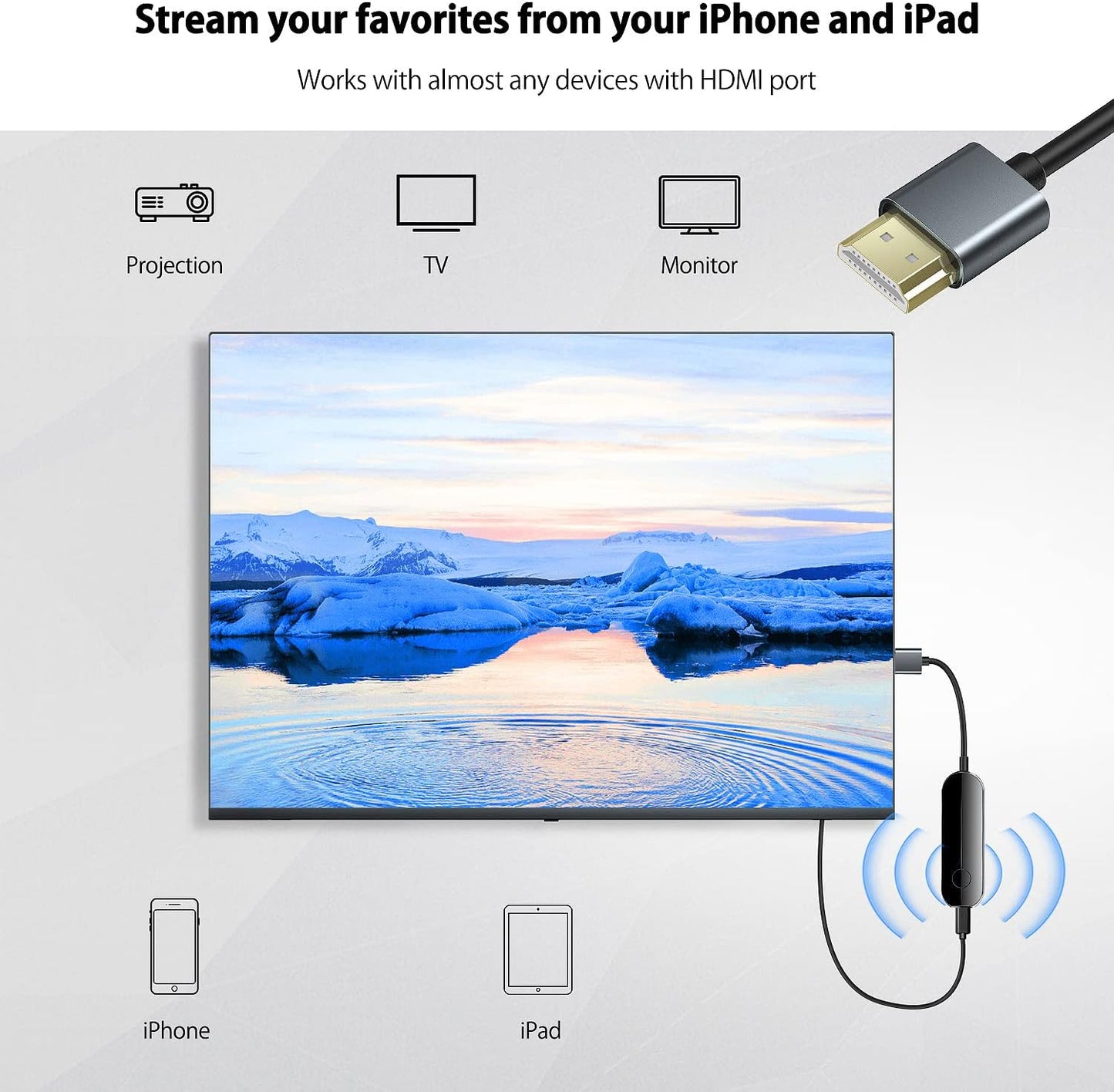

Wireless HDMI Display Adapter for iPhone iPad, Take You to Enjoy the Audio-Visual Feast from Small Screen to Large Screen!
This wireless streaming stick supports up to Full HD 1080P display, you can easily connect iPhone,Pad to HDTV, monitor or projector with HDMI input. Connect the device to the big screen through this adapter, it is an ideal tool for watching TV shows,meetings, games, video calls or expanding the work area. In this way, you can not only enjoy the big screen, but also protect your eyes.

Fast and Efficient Operation, Plug and Play
Just plug in, connect your phone to WiFi or cellular data, and start mirroring. No App or driver, plug and play.The installation is convenient and fast, saving a lot of time.

Suitable for Various Practical Scenarios
- Three Steps
- Step 1. Plug ishareiOS adapter into your HDTV.
- Step 2. Connect USB C charging cable with ishareiOS and the 5V/1A wall charger.
- Step 3. Set TV input/source to the HDMI and choose the corresponding HDMI port plugged.

Easiest Way to Mirror Your iPhone to the TV (No App needed)
CARE🧑🔧
Avoid sharp Bends: Preserve cable integrity by gently coiling,avoiding sharp bends that compromise wiring.
Proper storage: Ensure cable longevity by storing it loosely coiled,free from stretching or compression.
Protect from Heat and sunlight: safeguard cable materials byavoiding exposure to direct heat and sunlight, preventingdeterioration.
Keep Dry and Corrosion-Free: Prevent connector corrosion bykeeping the cable dry and ensuring complete drying before use ifwet.
-

Free Shipping
Enjoy free shipping on all orders over $39.98
-

100% Money Back
Free returns within the first 30 days after purchasing
-

Secure Checkout
Payment from the most popular & secure payment methods
-

24/7 Live Support
Reach out to our support team via email:
kelleherbry61015@outlook.com


